

Grouping fields
Groups make complex forms with many fields easier to read. They do not change the database, the fields inside a group are ordinary columns of the model. A group is created with one of the static methods ofAdmin\Fields\Group:
and configured by chained methods:
Full width group
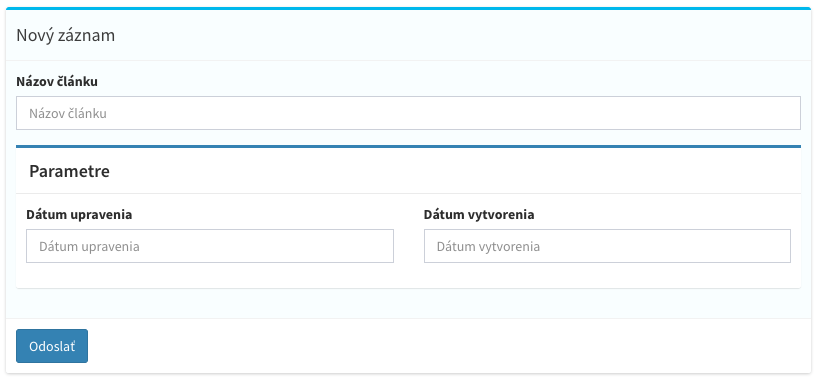
This example shows both ways of naming a group.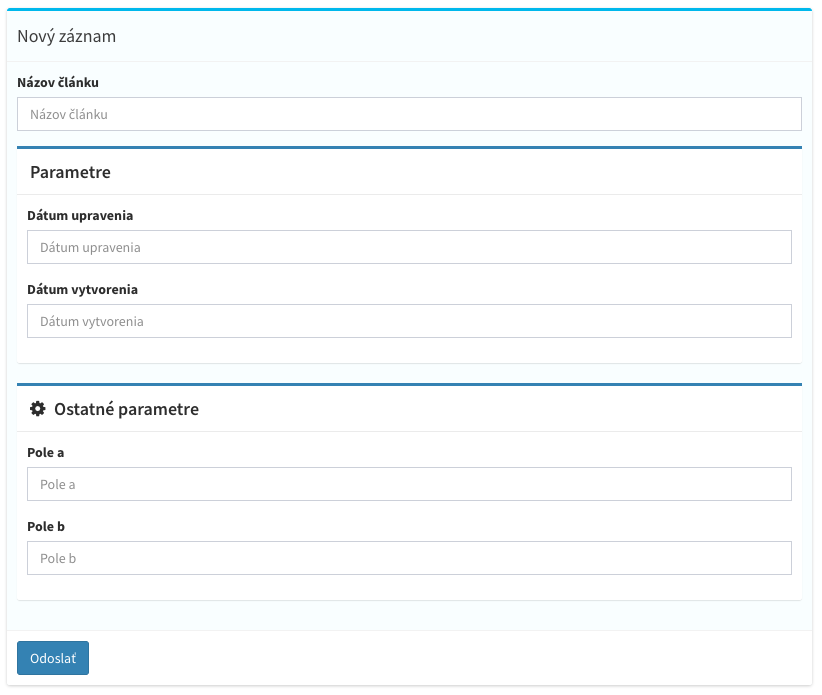
Half and third width groups
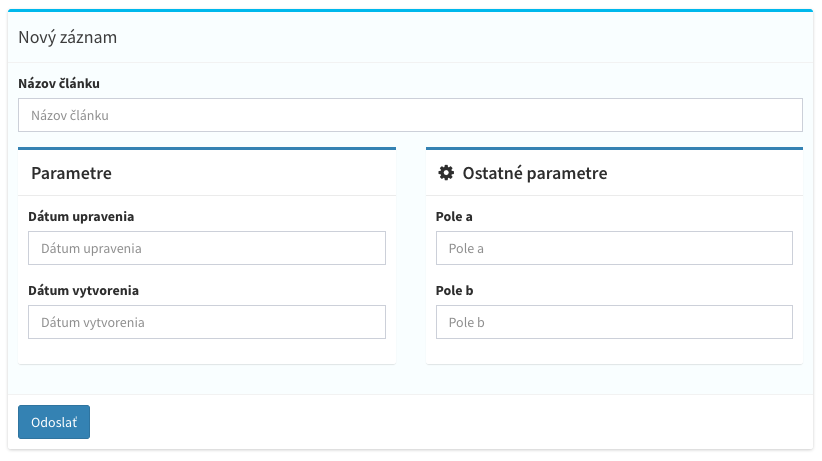
Group::third() places three groups side by side.
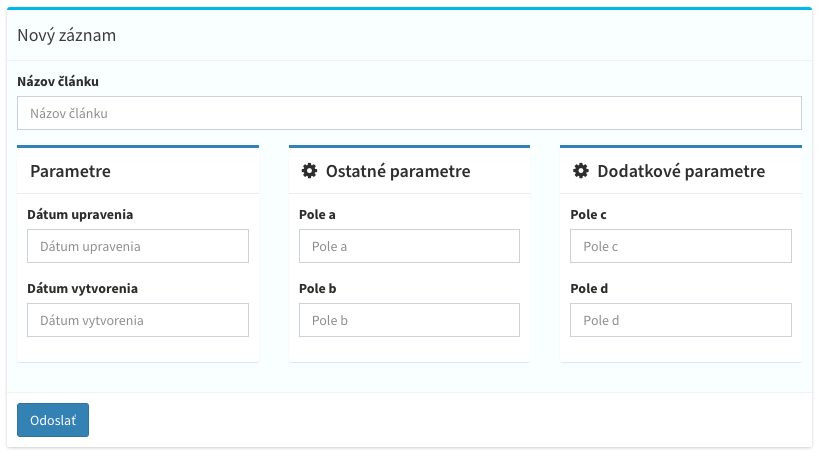
Custom width group
width() sets the width in a grid divided into 12 parts.
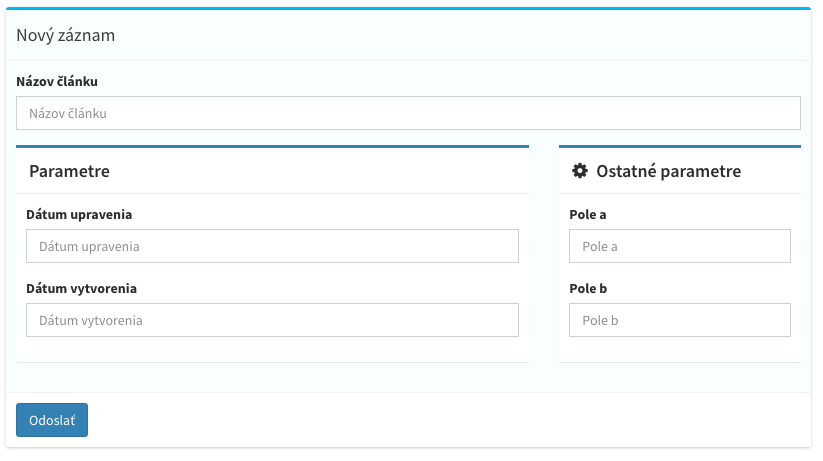
Inline group
Group::inline() aligns every field in the group into a single row. inline() does the same for a group of another width.
Nested groups
Groups can be nested to any depth.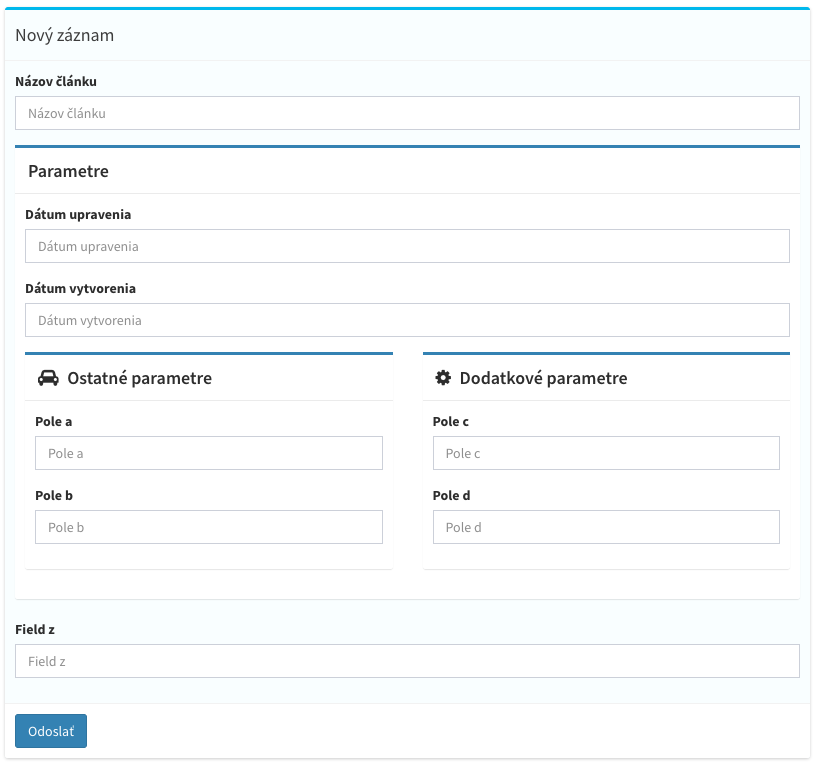
Column prefix
prefix() prefixes the column names of all fields in the group, which lets you reuse one set of fields. The array key of a group is only its name, it never prefixes columns.
billing_street, billing_city, delivery_street and so on, use these keys in requests and on the model. Nested groups inherit the prefix unless they define their own.
Shared parameters
add() pushes parameters into every field of the group, including nested groups. A parameter written on the field itself always wins.
add() is called more than once, the first call wins for the same parameter. Parameters of a nested group win over parameters inherited from its parent group.
Conditional groups
if() registers the group only when the condition is true. With false the fields are not registered at all and their columns are not created.
Conditional visibility
attributes() accepts the same syntax as field parameters and hides or shows the whole group or tab in the browser. Shared field parameters are added with add(), conditions of the group itself with attributes().
hideFromForm, hideField and visible with their If, IfNot, IfIn and IfNotIn conditions. A tab also accepts removeFromForm and default, which opens the tab by default.
Group component
component($name, $data) renders a Vue component at the end of the group or tab. The component receives the model and data props.
Tabs
Group::tab() arranges fields into tabs. Tabs support name(), icon(), id(), attributes() and component() like groups, are always full width and can be nested to any depth.
Tabs combined with groups
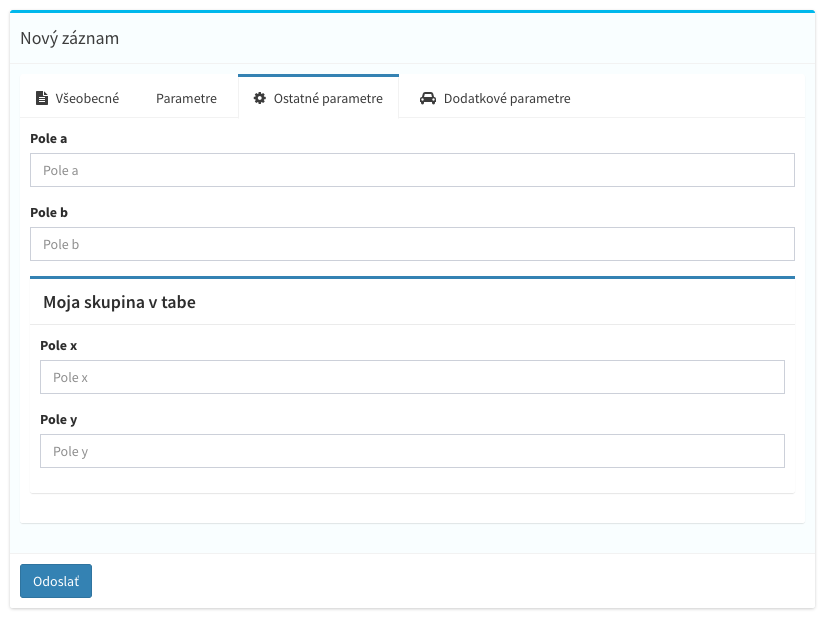
A tab from an admin model
A tab can hold a complete child admin model, a model whose$belongsToModel points to the current model.
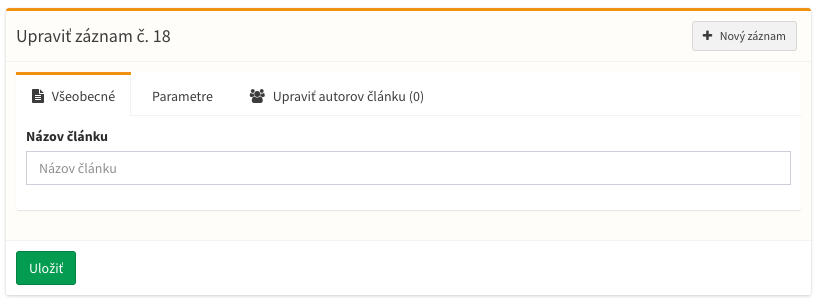
where(). The closure receives the rows query and the opened parent record.
Changing fields of an existing model
When you extend a model from a package, or share fields in a parent class, change its fields inmutateFields() instead of copying fields().
The method receives a fields builder and the edited record, if any.
mutateFields($fields, $row) method.
Changing a field
Changes the parameters of a field. The field is an object, set or
unset() its parameters. Changing type applies the default rules of the new type.
$key can be an array of keys. Use the final column name, including a group prefix.Adding fields
Inserts fields or a group after the field. Aliases
addAfter() and pushAfter().Inserts fields or a group before the field. Alias
addBefore().Appends fields or a group at the end of the form.
push('key', 'name:Field') appends a single field. Pushing an existing key replaces the field on its original position.Prepends fields or a group at the beginning of the form.
pushBefore($key, $fields) inserts them before the field.after() and before() also find fields inside groups. They use the key from the fields definition, without the group prefix.
Removing fields
Removes fields or whole groups by their
id(), including fields added by another mutateFields(). The database columns are dropped by the next migration. Alias delete().Changing groups
Changes a group or tab found by its
id() at any depth. $id can be an array.Appends fields or a group at the end of the group.