

Creating a button
app/Admin/Buttons/ChangeOrderStatusButton.php. Subdirectories in the name become namespaces, admin:button Orders/SendInvoice creates App\Admin\Buttons\Orders\SendInvoice.
Registering a button
Assign the button to an admin model through the$buttons property. Buttons can also be returned by a buttons() method, or extended with setButtonsProperty($buttons).
app/Models/Order.php
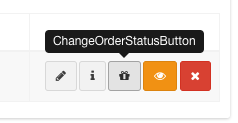
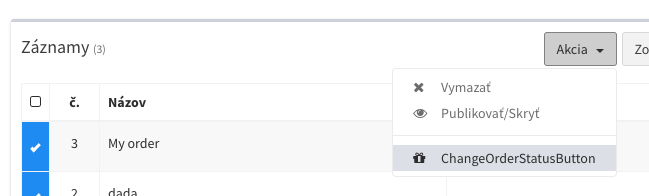
Configuring the button
A button is a PHP class holding its properties and the methods that run when it is clicked.app/Admin/Buttons/ChangeOrderStatusButton.php
Type
Where the button is available depends on its type and on the methods it defines. The default type isbutton.
Class and colour
A Bootstrap button class:btn-default, btn-primary, btn-success, btn-warning, btn-danger.
Running the action
fire runs the action over a single record clicked in the side panel. fireMultiple runs over the checked records. Both return a response in the form of a message or your own component.
app/Admin/Buttons/ChangeOrderStatusButton.php
__construct you can change the button for the record passed to it. $active = false hides the button for that record, and the server refuses to run it for the record.
Message title and text
To return plain text or HTML, use one ofmessage, success, error or warning.
Redirect
RedirectResponse returned from fire() works the same way:
New window
Open a record
open() with a model opens that record in a modal instead of a URL.
Custom Vue component
php artisan admin:component OrderStats and choose the button component type. Components are resolved as described in component directories, e.g. component('orders/OrderStats.vue') for a subdirectory.
Actions with a confirmation
Thequestion method receives the first request and returns a confirmation as a message or a component. Once confirmed, fire or fireMultiple runs.
The example below asks a question through a component with an input, whose value is then sent to fire.
app/Admin/Buttons/PostponeDelivery.php
resources/views/admin/components/buttons/PostponeDelivery.vue
component($component, $data) passes data available in the Vue component through the data prop.
Multi-step actions
action('method') in a response makes the next confirmation call that method of the button.
app/Admin/Buttons/SyncOrdersButton.php