

Requirements
- PHP 8.3 or newer
- Laravel 12 or 13
- MySQL 8.0 or newer, or MariaDB
- Apache or Nginx
1. Install Laravel
Install the Laravel framework first. Once it is installed and the database connection is configured, continue with the next step.2. Add the CrudAdmin package
CrudAdmin 6 is installed from the private composer repository, see installing the licensed packages.3. Run the installer
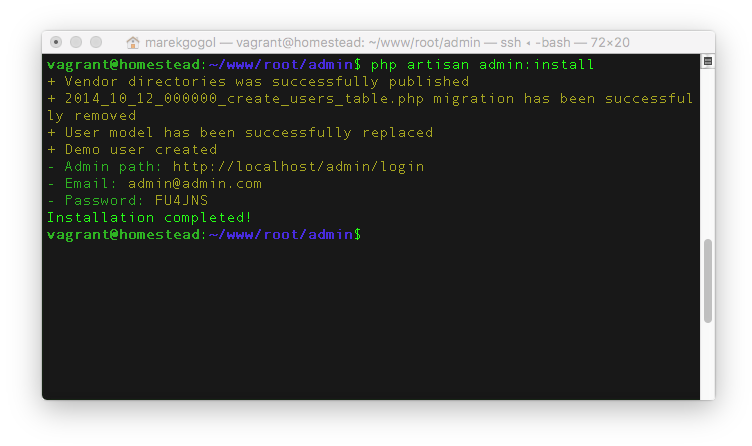
- Copies the
assetsfiles with all public files into/public/vendor/crudadmin. - Creates the administration config file
/config/admin.php. - Creates the base database layer with the users table and one demo account. The credentials are printed in the terminal.
- Removes the default users table migration
2014_10_12_000000_create_users_table.phpwhen it exists, the users table is created by CrudAdmin.
composer update crudadmin/*, publish the new assets with php artisan admin:update. All commands are listed in Artisan commands.
4. Done
The package is installed and the project is ready to build on.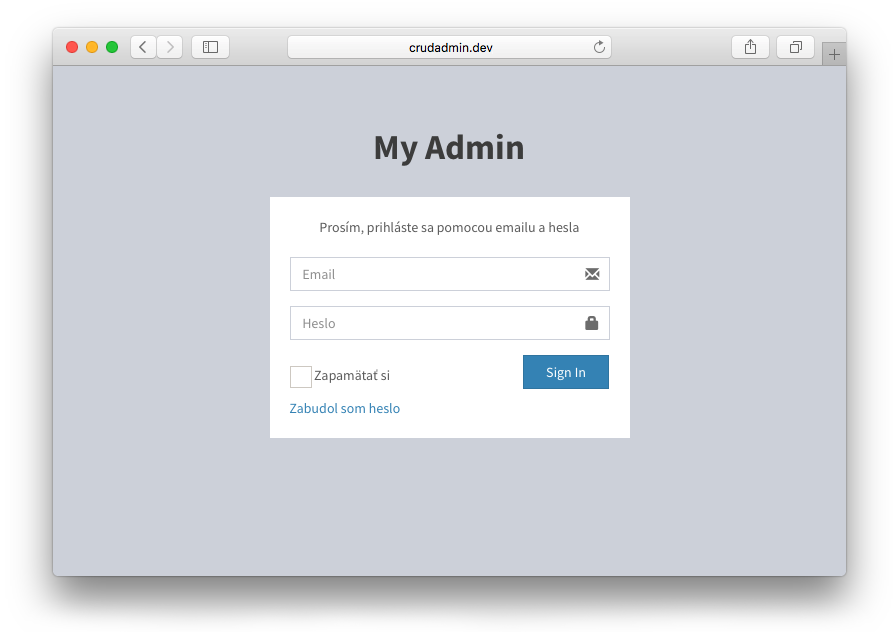
The administration is available at
http://yourdomain.com/admin.AI assistants
CrudAdmin ships guidelines and skills for AI coding agents such as Claude Code, Cursor or Codex. They are installed by Laravel Boost and match the installed CrudAdmin version.crudadmin/crudadmin when the installer asks for third-party AI guidelines and skills. The choice is saved in boost.json. A non-interactive run (boost:install --no-interaction) reads the agents and the packages from it:
boost.json
composer update crudadmin/*:
Sharing with the team
Commitboost.json and the generated files: CLAUDE.md or AGENTS.md, .mcp.json and the skill directories of the agents (.claude/skills/, .cursor/skills/…). Every developer who clones the project then works with the CrudAdmin guidelines and skills without any setup. With the post-update-cmd script, composer update refreshes the files and they are committed together with the new composer.lock.
The Boost documentation suggests ignoring the generated files instead. Then every developer runs
php artisan boost:install --no-interaction once after cloning, boost:update fails until Boost is installed.