

Tree structured models
Tree structuring covers the many to one relation, where one record holds further sub-records. Editing the parent record shows a nested module for the records attached to it.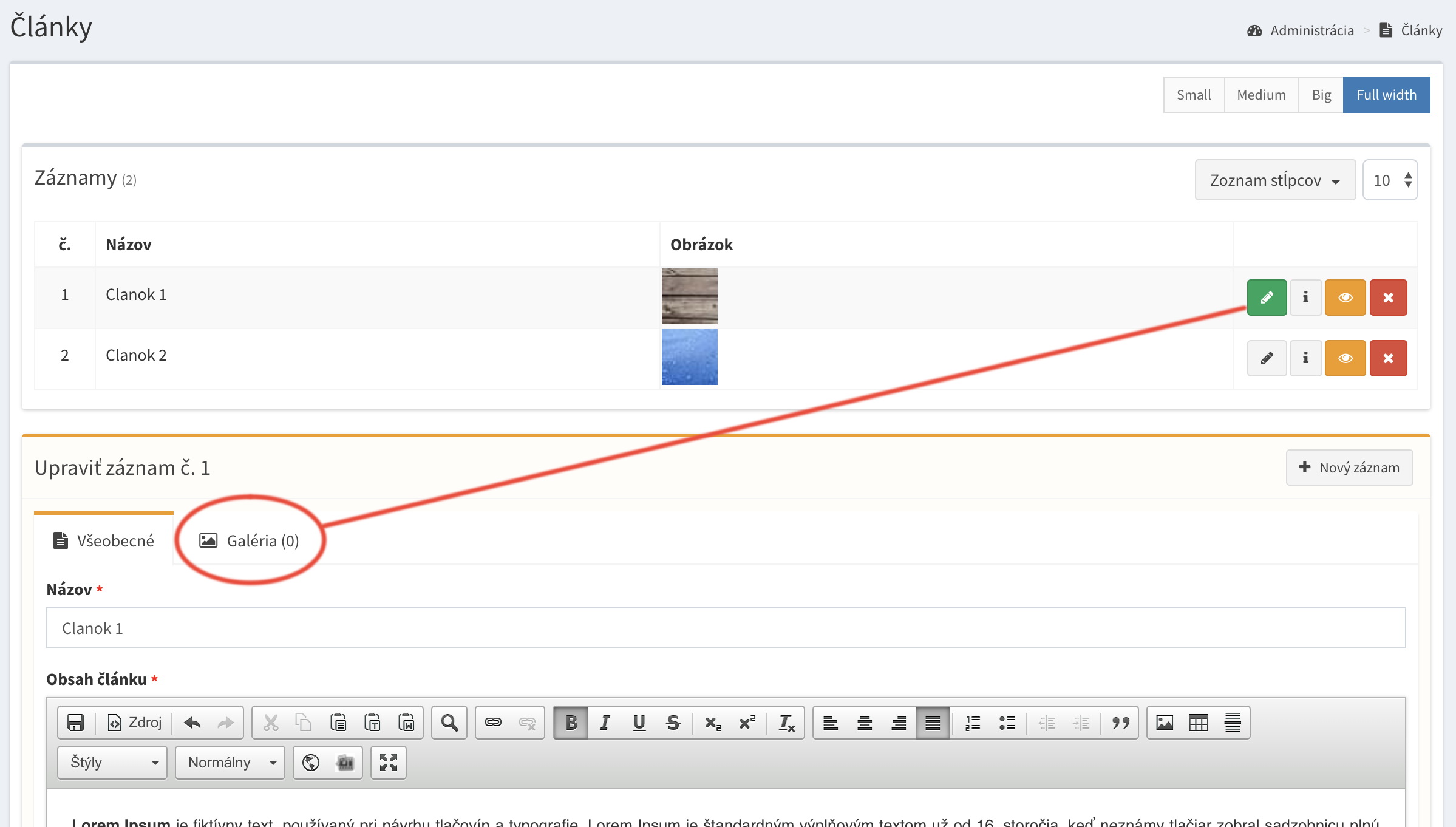
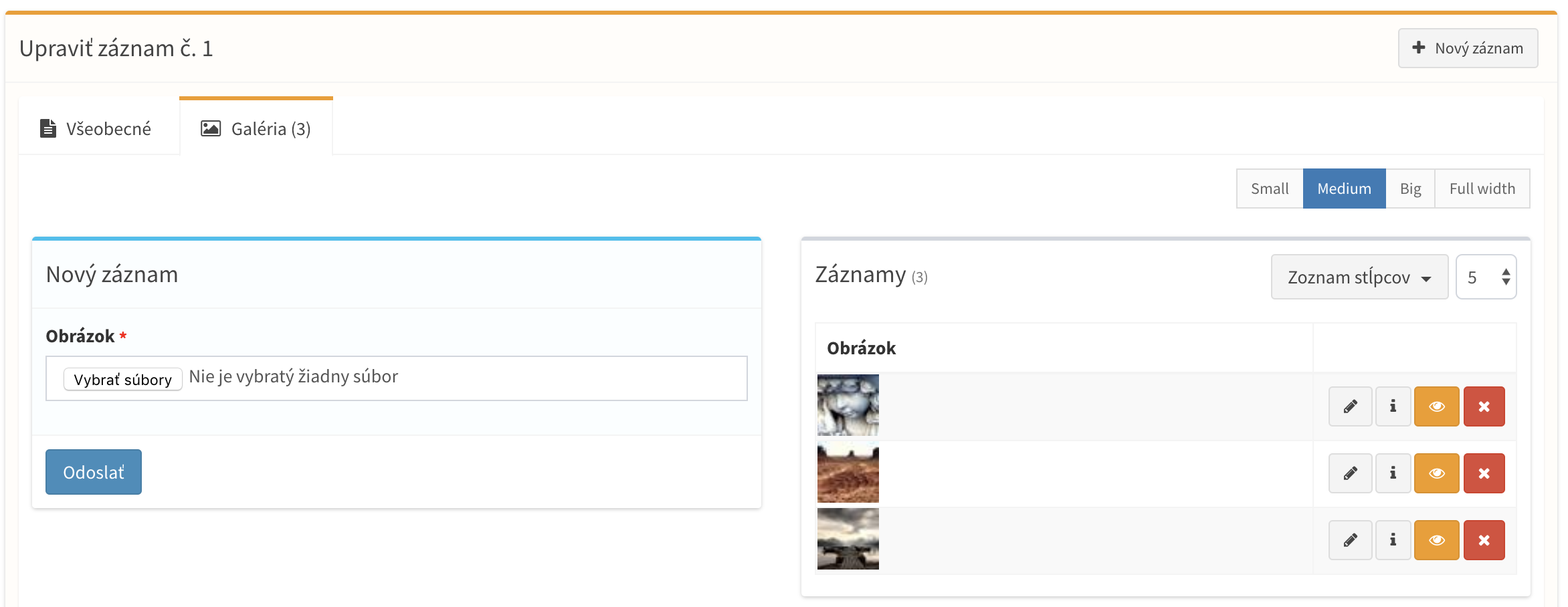
$belongsToModel parameter defines the parent admin model. The child model is shown as a tab in the parent form and is not listed in the menu.
app/Models/OrdersItem.php
order_id column with a foreign key is created. The column name is the snake case parent class name with _id, also when the parent uses a custom $table.
If a model is a child of several admin models, pass an array. Every parent gets its own nullable column.
php artisan admin:migrate asks for a parent id for the existing rows. Fill them in code instead with a hook named by the column.
Recursive trees
A model related to itself builds a tree of unlimited depth, e.g. categories. Rows can be dragged between levels.$withRecursiveRows to load all rows at once.
onRecursiveDragAndDrop() is called for a row moved under another parent (null for the root level).
Children created before the parent
$withoutParent allows adding child rows in the form of a new, unsaved parent. They are attached when the parent is saved.
$nullableRelation only makes the foreign column nullable, e.g. for rows imported without a parent. The form is not changed.
Child form inside the parent form
A single child model can be merged into the parent form. Both records are validated and saved in one request, a missing child record is created when the parent is updated.Relation to any model
$globalRelation makes a model attachable under any parent without a foreign key, e.g. notes or attachments. The parent is stored in the _table and _row_id columns, which are hidden when the model is serialized on the website.
Reordering records
Rows of every admin model can be reordered by drag and drop. The position is stored in an indexed_order column and rows are ordered by _order DESC, so a new row appears on top. Set the property to false to disable reordering.
Reordering is also disabled when
$orderBy uses another column than _order, and in single record mode. No _order column is created then, and reorder requests are refused.php artisan admin:migrate.
React to a finished reorder with onUpdateOrder(), e.g. to flush a cached menu. A returned value is sent as the response.
Publishing records
Publishing is enabled on every admin model by default. The table gets an indexedpublished_at column, and each row gets a publish / hide button. Set the property, or a publishable() method, to false to turn publishing off.
published_at in the past, so a row can be scheduled by saving a future date.
The administration always lists all rows. Publishing more selected rows toggles every row by its own state.
Single record mode
$single sets $minimum and $maximum to 1. The table is hidden and the page contains only the form of one record.
Single models are not sortable, so no
_order column is created. Publishing is not changed. A single child model is related to its parent as hasOne, e.g. $order->invoice.Menu
Module group
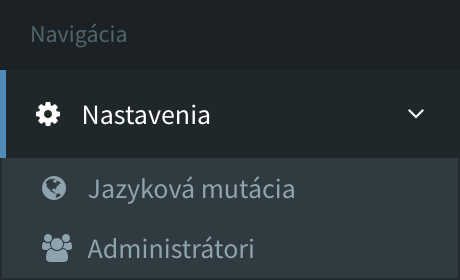
$group is the default place of a model in the menu, used while the navigation section does not list the model: a new model, a model of a package, or a project without the section. Use dot notation for nested groups.
group() method, for example when it depends on the logged administrator.
Menu order and groups
The order of the menu, its groups with their names and icons, and the group of every model are declared in thenavigation section of bootstrap/admin.php. A model is written by its class basename, a group as #key holding its name, icon and its own models and groups.
bootstrap/admin.php
Catalog group above is store.catalog for $group. Group names are written in the source language of the administration and translated with gettext; bootstrap/admin.php is a gettext source path of the administration. A group without a model to show is not rendered.
The children of a model are shown in its form in the order of its childs setting, a list of their basenames; children it does not list follow.
With crudadmin/admin-editor installed, Upraviť menu in the Editor mode dropdown, or the pencil of the sidebar while editor mode is on, opens the section in a modal:
- models and groups are dragged into place, Nová skupina at the end of a group adds a group inside it; groups can be nested three levels deep,
- a click on a name rewrites it in place: the name of a group in the section; the name of a model of
app/which declares a plainprotected $namein its own source file is rewritten there, any other model (a package model, an inherited$name) getsmodels.<Basename>.nameinbootstrap/admin.php; a model with aname()method shows its name read only, - a click on an icon picks another one from the Font Awesome sets of the administration: the icon of a group in the section, the
iconsetting of a model in themodelssection, - Uložiť menu writes everything at once and the sidebar repaints right away.
Menu visibility
Root models are listed in the menu, child models only inside their parent.$inMenu overrides it.
Initially hidden tabs and groups
Tabs and field groups with anid can be hidden when the form opens, and shown later from a custom component.